

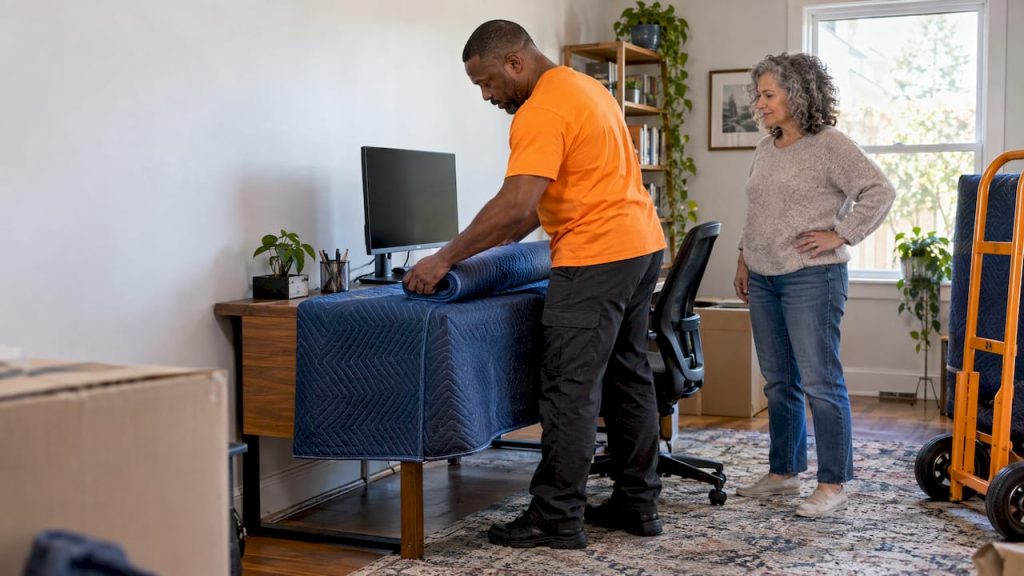
To move a home office, treat it as its own small project inside your household move. Back up your data first. Inventory and label every item. Pack electronics and paper separately from the rest of the house. Keep a work-day essentials box with you. Then set up your internet and desk first on arrival. If you do those five things, you can be working again within a day. We built this plan for people who work from home, run a practice from a spare room, or need their desk running the morning after the move. When you want a crew that packs and moves the office with the rest of the house, we start with a survey and put a guaranteed price in writing before we begin.
Key Takeaways
- Start four to six weeks out. Book internet service for the new address, sort what to keep or replace, and set a backup routine.
- Back up everything before packing, and carry the laptop, hard drives and sensitive files yourself.
- Inventory and label each item by its place in the new room, so the desk is built before the boxes are unpacked.
- Pack a work-day essentials box (router, chargers, cables, a few supplies) and open it first.
- Hire a crew that plans the whole move with you. Ask how the crew protects furniture and what valuation protection covers.
Table of Contents
- Why a home office needs its own plan
- Four to six weeks before: plan the move
- Two weeks before: protect your data
- One week before: pack the office
- The work-day essentials box
- Moving day: how the office goes onto the truck
- Set up your office after the move
- A simple timeline you can copy
- What about long-distance and storage?
- What we do for a home office move
- Our view on moving a home office
- FAQ
- Sources
Why a home office needs its own plan
A bedroom or living room move is forgiving. If a box of towels goes missing for a day, nobody notices. A home office is different. It holds the tools you earn a living with: a computer, a monitor, a printer, client files, maybe a phone system. If one cable goes missing, the whole setup stops.
Three things make a home office tricky:
- Equipment is fragile and expensive. Screens, laptops and printers do not tolerate drops or heavy stacking.
- Information is sensitive. Tax records, client files and passwords are part of the move.
- Downtime costs money. Every hour without internet or a working desk is an hour of lost work.
The good news is that a home office is small. One room, a short list of items, and a clear order of operations. The rest of this guide gives you that order.
Four to six weeks before: plan the move
Start with the calendar. Four to six weeks gives you time to deal with the slowest items, which are usually internet service and decisions about furniture.

Take an inventory
Walk through the room with a notebook or your phone. List every item: desk, chair, shelves, filing cabinet, computer, monitor, printer, scanner, router, phone, lamps, power bars, and the cables that go with them. Photograph the back of your computer and router so you remember where each cable plugs in.
The Canadian Association of Movers, in its office relocation guidance, recommends building an inventory, tagging furniture and equipment to match where it will sit in the new floor plan, and clearly separating items marked “DO NOT MOVE” or “STORAGE.” That advice works for one desk as well as for a whole floor.
Decide what to move, replace or store
The move is a good time to be honest about your gear. Ask three questions about each item:
- Do I still use it every month?
- Will it fit the new room?
- Is it near the end of its life?
A 12-year-old printer that jams twice a week is cheaper to replace than to wrap, load and carry. An old filing cabinet with half-empty drawers may shrink to one box of paper. Anything you want to keep but will not use right away can go into storage between homes.
Sort paper at the same time. Shred what you no longer need to keep. Keep tax and business records for as long as the rules for your situation require, and check those rules with your accountant if you are unsure.
Measure the new room
Measure the new office space, the doorways and the stairwell. A large desk that fits in the old room may not turn a corner in the new hallway. Sketch where the desk, chair and shelves will go, and note where the power outlets and network jacks sit. That sketch becomes your labelling plan.
Book your internet
Call your internet provider early. Availability varies by address, and an installation visit can take days to schedule. Ask what speeds you can get at the new address, whether a technician must visit, and what date the service starts. If you run video calls or move large files all day, this is the item that decides how soon you can work.
Also update your address with clients, your bank, your professional body and any suppliers. Set up mail forwarding so business letters reach you.
Two weeks before: protect your data
Data is the one thing you cannot replace by buying a new one. Spend an afternoon on it now, not on moving day.
Back up in two places
Copy your files to an external drive, and also to a cloud storage service you already trust. Two copies in two places means one accident cannot erase your work. Check that you can open a few files from each backup. A backup you have never opened is only a hope.
Secure sensitive files
Client records, financial files and identity documents are the items you do not want sitting in a box on a truck. Plan to carry these yourself: the laptop, external drives, a small lockable box of paper files, and any password or security devices. If you handle personal information for clients, such as a counselling, accounting or legal practice, keep those files with you from door to door.
Sign out of accounts you do not need on old devices. Write down your key passwords in a safe place or confirm your password manager syncs. Do not tape passwords to the monitor.
Plan the disconnection date
The goal is to overlap your service as much as you can. Ask the provider to end the old service just after you leave, and start the new one on or before the day you arrive. If you can, schedule a technician visit for the morning after the move rather than the same day, when the house is full of boxes.
One week before: pack the office
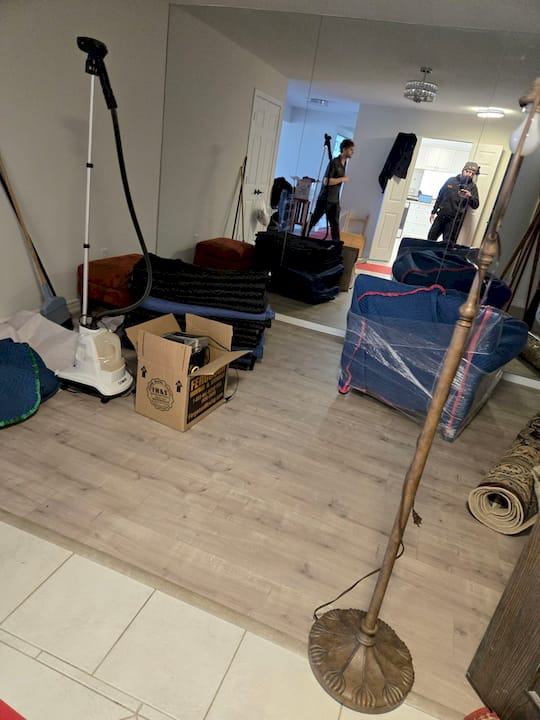
Now the physical packing begins. Pack the office last among the work rooms if you can, so you can use it right up to the final days. Our packing tips cover the general routine for every room. Here is what is specific to the office.
What you need
- Strong small boxes for books and paper (heavy items go in small boxes)
- Original boxes for monitors and printers, if you kept them
- Packing paper, bubble wrap and tape
- Zip bags for screws, cable ties and small parts
- Labels, and a marker you can read at a glance
If you want these delivered, our moving supplies page lists packing kits, boxes, specialty boxes and protective materials.
Computers, monitors and printers
Shut down and unplug everything. Remove ink or toner cartridges from the printer and tape the lid. Wrap each monitor in a soft layer, then bubble wrap, and stand it upright in a box with padding on every side. Never lay a screen flat with other boxes on top. Pack the keyboard and mouse together with their dongles, so the small receivers do not vanish.
For a laptop or desktop tower, a snug box with padding is fine, but a laptop is better in your own bag, in your own car.
Cables
Cables cause the most grief on arrival. Coil each one, tie it with a cable tie or a twist tie, and tag it with masking tape saying what it connects (for example, “monitor to PC”). Put the cables for each device in a zip bag and tape the bag to the device itself, or place it in the same box. Take photos of your setup before you unplug anything.
Paper and files
Keep files in their folders. Pack them upright in file boxes, the way they sit in a drawer, or flat in small boxes with the top folder clearly labelled. Do not pack paper in oversized boxes: they become too heavy to lift and the bottom boxes crush. Fill gaps so the boxes do not slump in transit.
Furniture
Empty the desk drawers or lock them. Take off any shelves, keyboard trays and monitor arms. Disassemble large pieces where you can, and put the screws in a labelled bag taped to the underside of the piece. A bookcase should go with its shelves wrapped separately. A good chair needs its base protected from scratches.
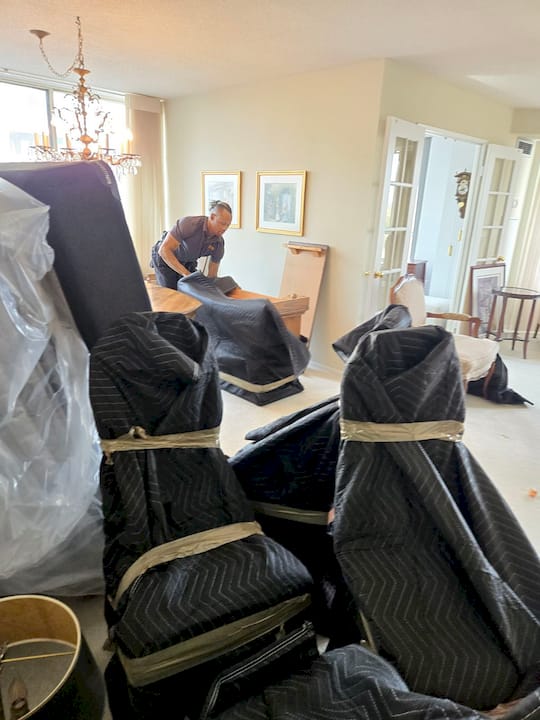
Label by destination
Label each box with the room (“Office”), the contents and a number, and then add the spot it will go in the new room, such as “Desk wall” or “Closet”. Mark the essentials box on every side. Our guide to labelling moving boxes shows a system that works for any room, and our article on moving a home office goes into the household side of the job.
The work-day essentials box
This is the single most useful thing you can make. Pack one box or bag that stays with you, not on the truck. Include:
- The router and modem, with their power adapters and one network cable
- Laptop charger, phone charger and a power bar
- External drive with your backup
- Headset, webcam and any adapter you use daily
- Pens, a notebook, scissors, tape and a few zip ties
- A printed copy of your key client contacts and your internet account number
Write “OPEN FIRST” on it. When you arrive, this box goes in the room where the desk will stand. With the router plugged in and a laptop on a table, you can work from a chair and a card table while the rest of the house settles.
Moving day: how the office goes onto the truck
On the day, three small habits protect your office.
- Show the crew the office first. Point out the boxes marked fragile, the monitors, and the pieces that need to be carried upright. Tell the crew where each piece goes in the new place.
- Keep the essentials box and laptop with you. Do not let them go on the truck, even if you trust the crew.
- Load the office so it unloads first. Items packed last come off first. If your office goes on the truck near the end, it can be set up first on arrival.
If you are moving into a condo or apartment tower, ask your building about its service elevator. Buildings usually require a booking and set time windows. We do not book service elevators for you. We tell you the window to reserve, so you can book it with your building and the crew arrives when the elevator is yours.
Live GPS tracking is included on every move, so you can watch your truck on a map. If you are working from the new place on the same day, that tells you when the desk is arriving.
Protecting the gear on the truck
We cover valuation protection up to $6 per pound as standard, where the industry standard is 60 cents per pound. This is valuation protection, not insurance, and it is not a flat $6 per pound. It matters for office gear because electronics can be heavy to carry and costly to replace. Ask any mover you consider exactly what its valuation covers, in writing, before you book. If a device is worth much more than its weight suggests, tell us during the survey so we can plan for it.
Set up your office after the move
You do not need to unpack the whole house to work. Aim for a working desk in a few hours. The order below keeps it quick.
1. Power and internet first
Plug in the router and modem from your essentials box. If a technician is booked, let them in first. Test the connection on your laptop before you build anything else.
2. Place the furniture
Assemble the desk where you sketched it. Put the desk near an outlet, and try to place the screen so a window is beside it, not behind or in front of it. That avoids glare.
3. Connect equipment in order
Using your cable tags and photos, connect the monitor, the computer, the keyboard, and then the printer. Turn each on and check it works. If something fails, you still have the original photos and the labelled cables to retrace.
4. Check your setup
Take five minutes to fit the workstation to you. Sit with your feet flat on the floor, your elbows near your sides and the top of the screen at about eye level. Canada’s CSA Z412 standard on office ergonomics covers home offices as well as workplaces. If you plan to work long hours, a few small changes, like a monitor riser or a better chair height, pay off over the year.
5. Restore files and test
Open your backup and confirm your key files are present. Run a test video call and send a test print. Do this before your first client day, so surprises happen on your time.
6. Unpack the rest in rhythm
Once the office works, move to the rest of the house. Our tips for unpacking after moving lay out a sensible order.
A simple timeline you can copy
| When | What to do |
|---|---|
| 4 to 6 weeks before | Take inventory, decide what to move or replace, measure the new room, book internet service |
| 2 to 3 weeks before | Update your address with clients and suppliers, set up mail forwarding, start backups |
| 1 week before | Pack paper, books and spare equipment, label every box by room and spot |
| 2 days before | Final backup, shut down, pack the essentials box, tag cables |
| Moving day | Show the crew the office, carry the laptop and drives yourself, confirm the elevator window |
| Day of arrival | Router first, desk second, equipment third, test everything |
| First week | Restore files, adjust the workstation, unpack the rest of the house |
What about long-distance and storage?
If your home office moves across provinces, the plan is the same but the timeline stretches. Pack your essentials box and laptop to travel with you, and plan to work from a temporary setup for a few days if the truck is still on the road.
We give you two options for long distance. The first is Ferguson-hauled: a guaranteed flat rate, with our own dedicated crew and truck, a dedicated shipment, and an exact scheduled delivery date. The second is through Great Canadian Van Lines, where we act as a van line agent. It is priced on scaled weight and distance, typically about 20 percent less, with a delivery window of 3 to 7 days. If you need your desk on a known day, the exact date matters. Our long distance moving checklist walks through the wider plan.
If you land in a temporary place, or you are downsizing, storage services hold your furniture and files until the new office is ready.
What we do for a home office move
A home office rides along with a household move, so the same crew, truck and process apply. Here is how that looks with us.
We survey the job first, then put a guaranteed price in writing before we start. We never give a price before a survey. A flat rate means the total is fixed. An hourly rate means the rate and terms are fixed, and the total depends on the hours. Our crews are our own employees, driving our own trucks, so a named person is accountable for your move. You can have us pack the office, or all of the house, through our packing services. There is no piano surcharge, which matters if the room holds a piano as well as a desk.
If your practice or business has more than a home office, our commercial moving team handles larger relocations, and our article on moving offices covers that scale. Items we cannot carry are listed in our guide to what movers won’t move.
To see what your move would cost, get a guaranteed price.

Our view on moving a home office
We have moved Canadians since 1916, and the home office has changed more than almost any other room. It used to be a desk and a lamp. Now it is a business, a bank of devices and a client list.
Our view is simple. A home office move goes wrong in two ways: the price changes, or something goes missing and nobody can say who handled it. So we survey the job and put the price in writing before we start. Our crews are employees in our trucks, so when something needs fixing, you speak to a person who is accountable.
We also think you should know where your belongings are. Live GPS tracking is included on every move, so you watch the truck instead of wondering.
Valuation protection up to $6 per pound is standard with us. The industry standard is 60 cents per pound. It is valuation protection, not insurance, but it is a meaningful difference for equipment that you rely on for work.
Pack the essentials box. Carry the laptop. Back up twice. Do those three things and the rest is logistics, which is our job.
Lorne MacInnes
FAQ
How far in advance should I plan a home office move?
Start four to six weeks before the move. That gives you time to book internet service for the new address, sort what to keep or replace, and set up backups. If you move across provinces, add a few extra weeks for planning the delivery date.
Should I pack my computer in the moving truck or carry it myself?
Carry your laptop, external drives and sensitive paper files yourself. A desktop tower and monitors can travel on the truck if you pack them snugly with padding and tell the crew they are fragile. Back up your data before anything leaves the room.
How do I keep my cables organized?
Photograph the back of each device before you unplug it. Coil each cable, tie it, and tag it with tape that names what it connects. Keep each device’s cables in a zip bag taped to the device. On arrival, those tags and photos let you rebuild the setup in order.
How soon can I work after the move?
With an essentials box holding the router, chargers and laptop, you can often work from a temporary table within hours of arriving. A full desk setup takes longer, and it depends on your internet installation date. Book that early, and ask for the earliest slot after your move.
Can the crew pack my home office for me?
Yes. Our crews can pack the office along with the rest of the home, and you can leave the cables and screws in labelled bags for the crew to load with each piece. Keep the laptop, drives and sensitive files with you.
Sources
Moving Canadians since 1916.